
Statewide research from
Clerk-sourced information.
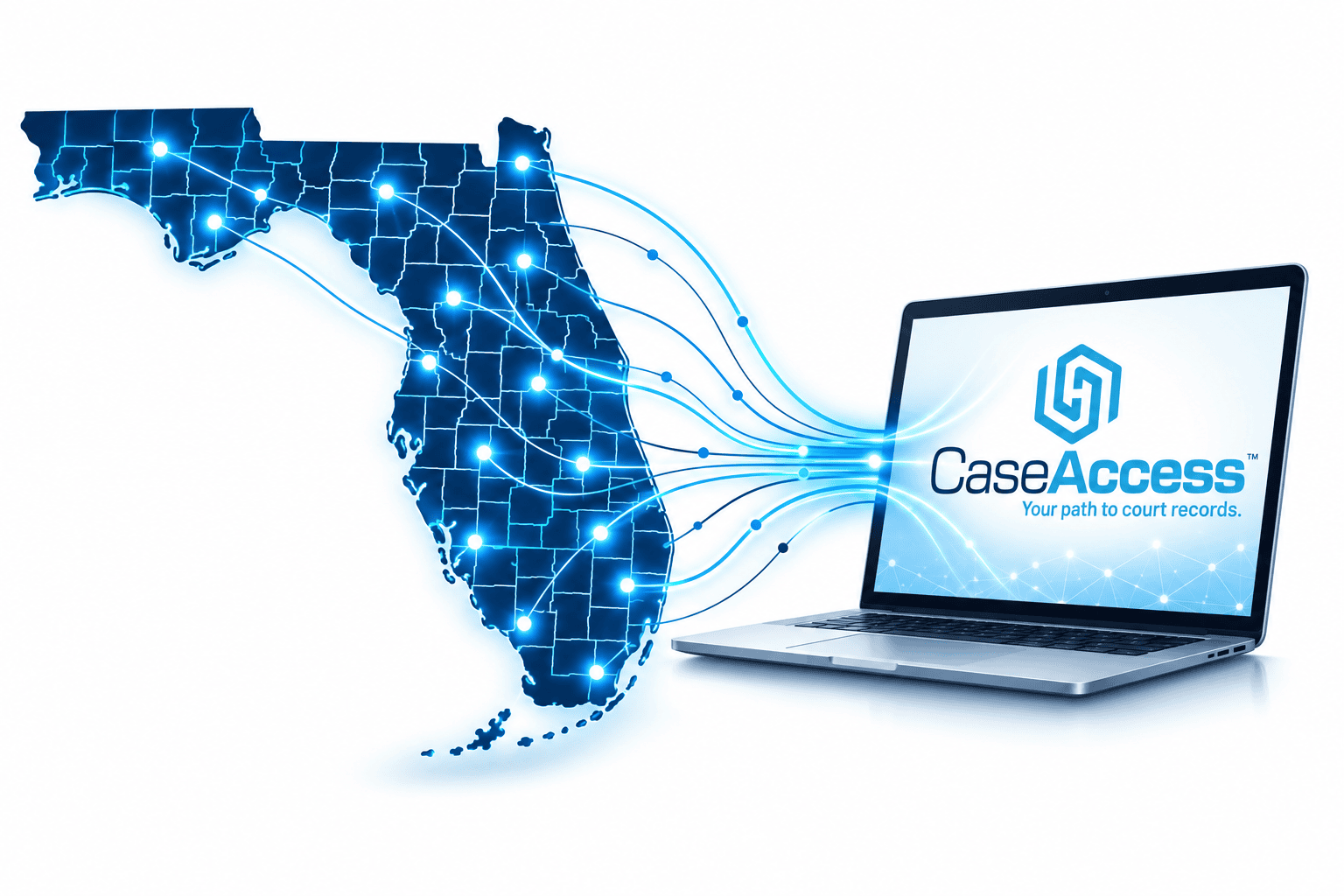
CaseAccess™ makes statewide case research more convenient for frequent professional users, while each county Clerk's office remains the source of the official court record. Offered through the Florida Courts E-Filing Portal, it brings Clerk-sourced case information from all 67 counties, received through CCIS and updated daily, into one secure platform.
It is designed for private attorneys, legal professionals and public researchers who regularly need to search case information across multiple Florida counties.
What's included
Feature
Statewide Search
All 67 Florida counties
What it does
Subscribers search case and party information across every county in one platform.
Why it matters
Gives frequent researchers a statewide option alongside existing Clerk public access.
Clerk-Sourced Data
Received through CCIS
Draws on case information Florida's Clerks provide through CCIS.
Information originates with the Clerks who maintain the official court record.
Daily Updates
Refreshed every day
Case information in CaseAccess™ is updated daily from CCIS.
Keeps research current, while the Clerk's record remains the authority on case status.
Case Images
Housed in Clerk systems
Subscribers access images maintained in each Clerk's case maintenance system.
Images stay under the control of each county Clerk's office.
Portal Access
Your E-Filing Portal credentials
Subscribers sign up with an active E-Filing Portal account and search by case or party through one consistent interface.
Adds statewide case research to the E-Filing Portal, the one place for all your case access needs.
Pricing
$20
per month
Subscription fees support the technology, processing, security, daily updates, maintenance, and customer service that power CaseAccess™.
$200
per year
Subscription fees are non-refundable. Public case information remains available through existing Clerk public-access channels.
How to subscribe
Subscribing is quick and easy. You need an active Florida Courts E-Filing Portal account. NOTE: If you do not have an E-Filing Portal account, go to My Florida Court Access and follow the instructions to create an account.
- Log in to the Florida Courts E-Filing Portal using your credentials.
- Click on “CaseAccess Subscription” located in the top menu.
- Click on the blue “Add New Subscription” button on the right side of your profile page.
- Accept User Agreement.
- Select “Subscription Frequency” (monthly or annually) and click “Next.”
- Complete payment information and click “Next.”
- Review information and click “Confirm and Subscribe.”
Who handles what
The Clerk keeps the record
CaseAccess™ is a research tool. Official court records, certified copies, and current status come from the Clerk's office.
Portal handles support
Account and login questions go to the E-Filing Portal Support Desk.
Public access unchanged
Public case information remains available through existing Clerk channels, with no subscription required.
Image issues go to the Clerk
Images are housed in each Clerk's system, so the Clerk's office in that county handles image access inquiries.
E-Filing Portal Support Desk
Contacting support online?
Select “CaseAccess Issues” in the “Subject”
dropdown menu under “How can we help?”
Ready to streamline your research?
Log in to the Florida Courts E-Filing Portal to learn more and subscribe.
CaseAccess™ is a research tool and not the official court record. For the official record or most current case status, consult the relevant Clerk of Court.